n8n automation is worth it for a South African small business when the task is repetitive, rule-based, written down and cheap to get wrong. Most automation advice starts with a tool and works backwards to a problem. This starts where the decision actually sits: which tasks are worth automating at all, what a workflow is made of, what happens the day one breaks, and when the honest answer is to leave the job with a person. Written from building and maintaining n8n workflows for clients rather than from a product page.
What should you automate first?
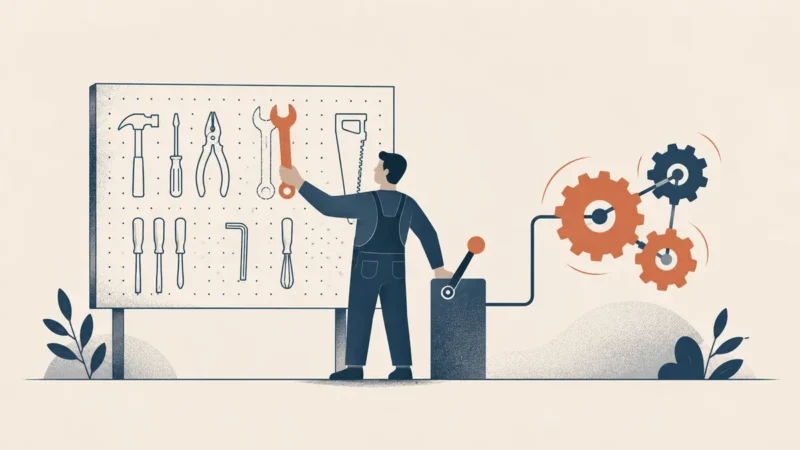
The task that is repetitive, rule-based, already written down, and cheap to get wrong. Those four conditions together, not any one of them alone. A task that is frequent but needs judgement will produce fast, confident mistakes, and a task nobody has ever documented cannot be encoded because nobody agrees what it is.
Run a candidate through the four tests before you build anything. If it fails one, that failure tells you what to fix first, and usually the fix is not software.
| Test | What you are asking | If it fails |
|---|---|---|
| Repetitive | Does this happen often enough that the build pays for itself? | Leave it manual. A monthly ten-minute job is not worth a system to maintain |
| Rule-based | Can you write the decision down as if and then, without hedging? | Automate the collection and the routing, and leave the judgement to a person |
| Documented | Do two people describe the process the same way? | Stop. Agree the process first. Automation freezes whichever version you encode |
| Cheap to get wrong | What happens if it fires incorrectly a hundred times overnight? | Build it with a human approval step, or do not build it |
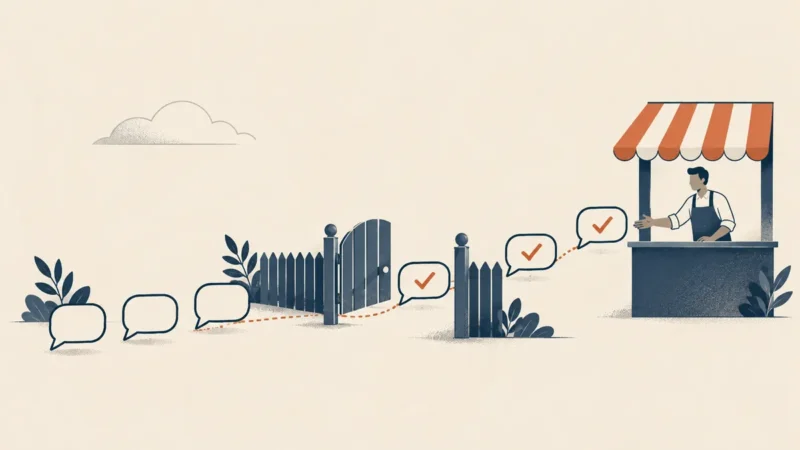
The fourth test is the one that separates people who have run automation in production from people who have only demonstrated it. Anything that sends a message to a customer, moves money, changes a record you cannot restore, or writes to a system of record is a task where a silent bug is expensive in a way a slow manual process never is. KM Digital Solutions treats that category as approval-gated by default: the workflow prepares the action and a named person releases it, which keeps almost all of the time saving and removes almost all of the blast radius. That is also why automating WhatsApp replies is a consent and approval question before it is a technical one. The tasks worth fully automating first are usually the dull middle of a process, moving and reshaping data between systems, rather than either end where a person makes a decision. For most small businesses in South Africa that means starting with data entry between two systems you already pay for, not with anything customer-facing. If one of those systems is a CRM, choosing the right one matters first.
What does an n8n workflow actually consist of?
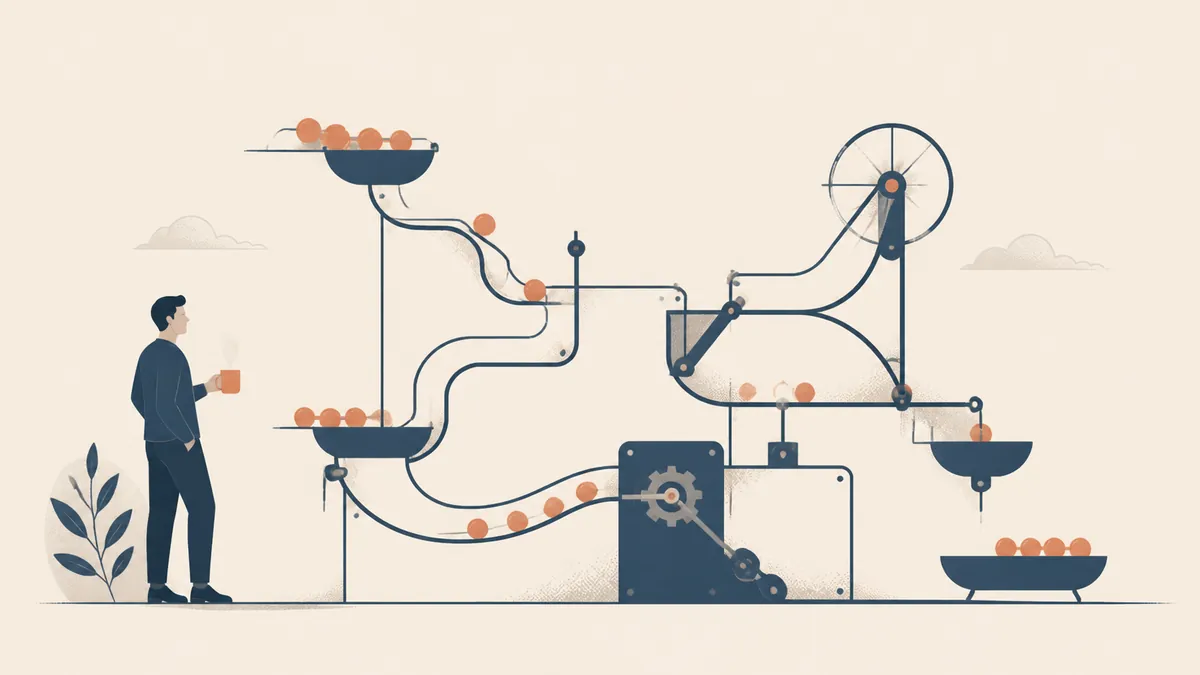
Nodes joined by connections. In n8n’s own words a workflow is a collection of nodes connected together to automate a process, and its documented components are nodes, which are the integrations and operations, the connections between them, plus sticky notes and canvas groups for keeping the thing readable later.
Two n8n concepts matter more than the node catalogue when you are planning rather than clicking. An execution is a single run of a workflow, and n8n distinguishes manual runs from production runs, which is the difference between testing something and putting it into service. How those runs are counted is worth knowing before you design a trigger, because the documentation is specific about it: a Schedule Trigger counts one execution every time it fires regardless of outcome, a polling node counts only when new data is actually found, and a Webhook Trigger counts one execution for every inbound request that activates it, including a request with an empty body. Malformed requests that fail before the workflow starts do not count. A schedule that checks every five minutes for something that happens twice a week is therefore burning runs to discover nothing.
What happens when a step fails?
Whatever you designed to happen, which for most builds is nothing at all. That is the real difference between an automation that survives and one that quietly stops. n8n gives you the mechanism, and it is a deliberate setup step rather than a default you inherit.
The documented pattern is an error workflow. You build a separate workflow whose first node is the Error Trigger, name it something obvious, and then select it in the Workflow Settings of the workflow you want covered. When an execution of that workflow fails, the error workflow runs, so it can raise an alert wherever your team actually looks. One error workflow can be reused across many workflows, which is what makes it practical at scale rather than a per-build chore. There is a companion node worth knowing, Stop And Error, which lets you force an execution to fail on purpose under conditions you choose, so a business rule violation is treated the same way as a technical fault instead of passing silently. For investigating what went wrong, n8n points to the executions list and to log streaming.
- Give the failure somewhere to go. An error workflow with the Error Trigger, wired into every workflow that matters.
- Give it a person. Alerts to a shared address nobody owns are the same as no alerts.
- Decide what a failed run means. Retry safely, skip, or stop and wait for a human. These are three different answers.
- Make bad input fail loudly. Stop And Error turns a business rule breach into a visible failure rather than a wrong result.
- Check the executions list on a schedule. Not when something feels wrong, but weekly, whether it feels wrong or not.
How do you keep a growing set of workflows maintainable?
By refusing to let each one be a snowflake. The first three workflows are easy to hold in your head, wherever in South Africa the team sits. The twentieth is not, and the cost by then is remembering how they interact and which one broke. Two habits carry most of the weight: shared parts and a readable naming scheme.
n8n supports the shared-parts habit directly. Sub-workflows let a section of logic live once and be called from many places, and since version 1.97.0 the editor can convert a selected group of nodes into a sub-workflow, automatically rewriting expressions that referenced other nodes and adding them as parameters on the Execute Workflow Trigger. There are real constraints on what can be converted: the selection has to be continuous, it cannot contain a trigger node, and it has to join the rest of the workflow through a single entry point and a single exit point. Worth knowing before you design something that cannot be factored later. Sub-workflow executions also do not count separately towards an execution quota, since only the parent execution is counted, so factoring is not penalised. That last detail matters more than it sounds, because the usual objection to splitting a workflow up is a fear of paying twice for the same run.
- Name workflows so a stranger can route an alert. The name is what appears at three in the morning, not the canvas.
- Put the shared logic in a sub-workflow rather than copying it, so a fix lands once instead of eleven times.
- Use sticky notes for the reason, not the mechanism. Future you can read the nodes; what is missing is why this rule exists.
- Keep credentials out of the workflow itself and out of anything you export or share.
- Write down who owns each workflow. Ownership is the thing that decays fastest and matters most.
The maintenance lesson from running workflows for a living is unglamorous: the workflows that lasted are the ones that were boring, named clearly and factored into shared parts, while the clever ones needed rewriting. That is also why every workflow our automation work builds reports its own failures, and there is always a manual way to do the job while it is being fixed.
When should you not automate?
When the process is still being argued about, when the volume does not justify the maintenance, when a mistake is expensive and cannot be reviewed, or when automating would only hide a problem worth fixing. Automation is not neutral. It makes whatever you encode happen faster and more often, including the wrong thing.
The most common bad case in a small South African business is automating a broken process because changing it feels harder. If enquiries are being lost because nobody owns the inbox, a workflow that files them faster does not fix the loss, it just moves it. The second most common is automating something so rare that nobody remembers it exists until it fails silently. A useful rule of thumb is that a workflow is a small piece of software you now have to maintain, so the honest comparison is not the manual task against a magic button, it is the manual task against the build plus every future change and every failure. Where the process is genuinely unusual and cannot be represented safely by an existing tool, that is the point at which a purpose-built system becomes the sensible answer instead of a longer chain of workflows, and our guide to custom business apps and AI automation covers when to build instead.
Work out what is actually worth automating
Tell us which tasks eat the most time and we will tell you which ones pass the four tests, which need the process fixed first, and which should stay with a person.
Frequently asked questions
Do I need to be a developer to use n8n?
Not to build simple workflows, but the honest answer is that you need somebody comfortable with how systems talk to each other. Connecting two apps through prebuilt nodes is approachable. Deciding what happens when a field is missing, an authentication expires or an external service is slow is engineering judgement regardless of how visual the canvas looks. Most small teams get further by having somebody build the first few workflows properly and then maintaining them in-house.
How many hours will automation save my business?
Nobody can tell you before looking at your actual processes, and a number offered in advance is marketing rather than estimation. What you can do is measure it yourself: time the manual task, count how often it runs, and compare that against the build effort plus the maintenance. That calculation is specific to your volumes and it is the only one worth trusting. Be sceptical of any published hours-saved figure, including ones with a decimal point.
What happens if an automation breaks while nobody is watching?
That depends entirely on whether somebody designed for it. n8n lets you attach an error workflow, starting with the Error Trigger node, to any workflow through its settings, so a failed execution can raise an alert immediately. Without that, a broken workflow simply stops and the first sign is usually a customer asking why nothing happened. Set the error workflow up before the automation goes into service, not after the first incident.
Is self-hosting n8n better than the cloud version?
It depends on who you want responsible for uptime, upgrades and backups. Self-hosting gives you control over where data sits and what it connects to, and it hands you the operational burden that comes with that. Cloud removes the maintenance and adds a dependency. For a small team without someone who enjoys server work, the cloud version is usually the more honest choice, and either way the workflow design questions in this article are identical.
Can automation replace a person on my team?
It replaces tasks, not people, and framing it the other way round usually produces bad systems. The workflows that hold up are the ones that take repetitive data-shuffling off somebody’s plate so they spend their time on the parts that need a human, including checking the automation. Every workflow described here has a named owner precisely because the ones without an owner are the ones that fail quietly for weeks.
The definitions of a workflow, its components and an execution, the execution-counting rules by trigger type, the error workflow and Error Trigger pattern, the Stop And Error node and the sub-workflow conversion constraints are all from n8n’s documentation: Understand workflows, Workflow components, Understand executions, Handle errors gracefully and Convert to sub-workflows. All were accessed on 16 September 2026.